Live events
Go live from a studio set, not a video call.
Launches, webinars, live Q&As and conference talks streamed from Estudio Helios in Medellín. Studio cameras feed the stream, broadcast microphones carry your voice, and a filmmaker switches angles while you talk to the audience.
No live-stream fee. A live session adds one hour of technical setup, booked as studio time at USD 130 or taken from your VIP pass. The hours you book are the hours you are on air.
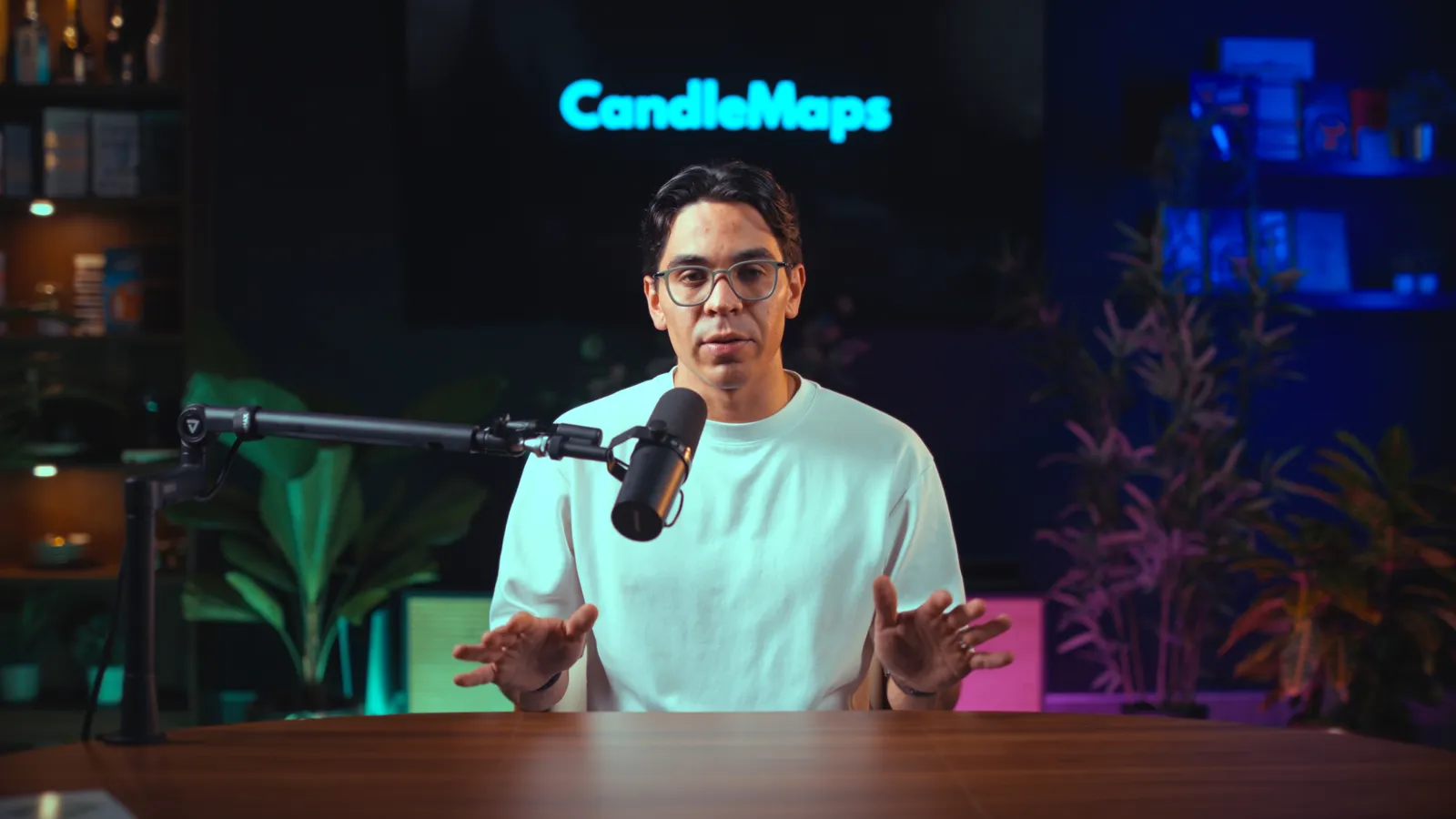
What people stream from here
Product and course launches
Open the cart from a set that looks like a broadcast, with your slides mixed in and the filmmaker switching to you for the close.
Webinars and masterclasses
An hour of teaching with the camera on you and the deck in the stream, recorded in full quality for the evergreen replay.
Live Q&As and AMAs
Take questions from the chat on a wide shot, and let the filmmaker punch in for the answers.
Podcast episodes with a remote audience
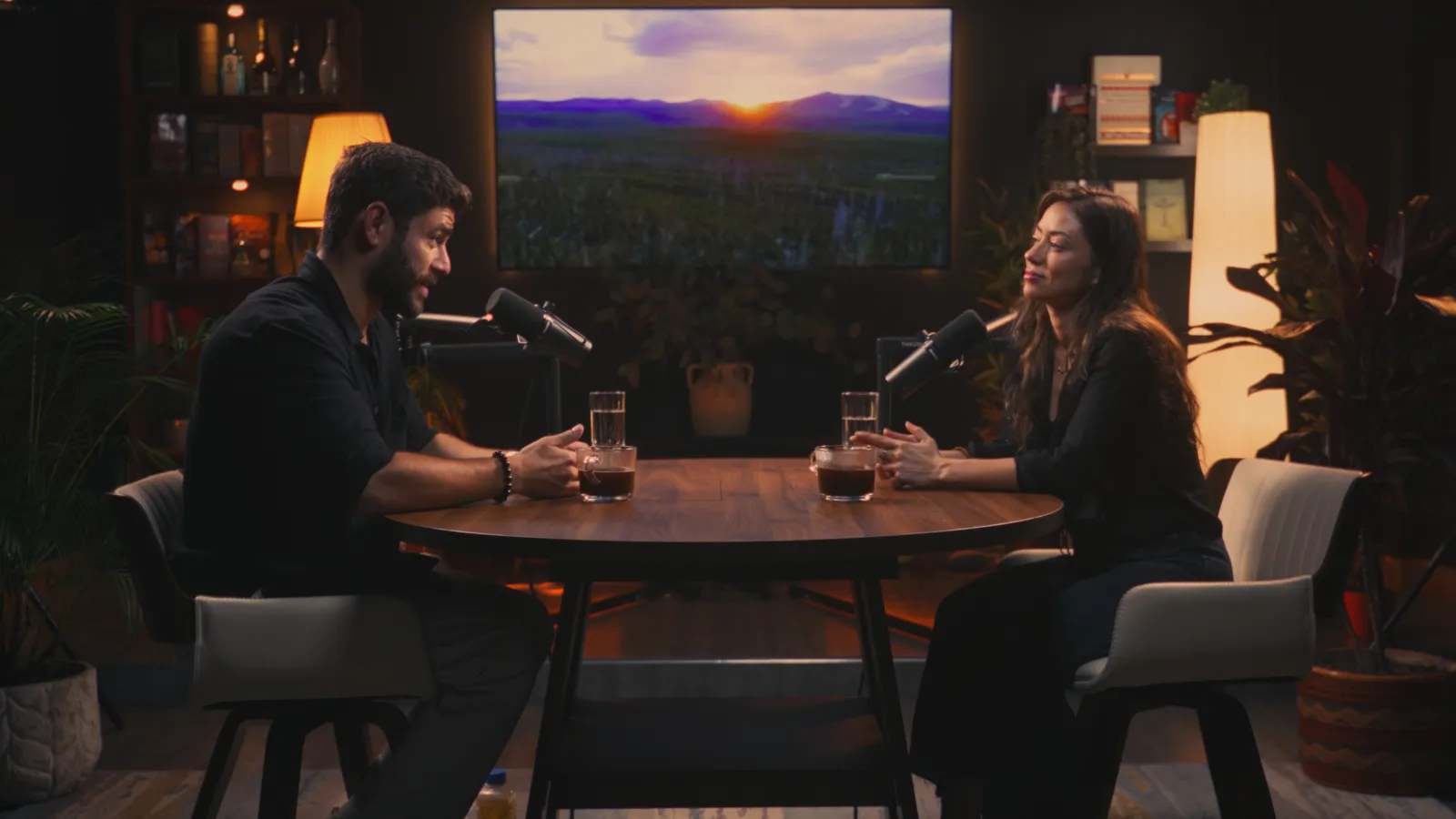
Two or three people at the Sundowner or the Interview set, streamed and recorded at the same time.
Conference talks given from Medellín
Deliver the keynote to the event from a set, with the organiser taking a clean feed.
Community and cohort calls
The weekly call for a paid community, from the same set every week on a VIP pass.
How a live event works
- Book a session and pick Live Stream as the format. Choose the set and the start time. The setup hour is added to the booking for you; the hours you pick are the time you are on air.
- We discuss the platforms you want to use. At least two days before the live stream we clarify exactly what software you're going to be using to make this stream a reality, so that we can have everything ready to go on our side for when you arrive.
- The filmmaker sets up in the first hour. You do not have to be in the studio for it. Arrive about thirty minutes before you go live for a sound check and a look at the framing.
- You go live. The filmmaker switches cameras and watches the signal throughout. You talk to the audience.
- The replay is already filmed. The studio records at full quality alongside the stream. Colour graded and audio optimised, it is in your Google Drive within three working days, or the next day with next-day delivery.
What the setup hour covers
The hour that makes it look like television.
A video call needs a laptop. A broadcast needs the cameras, the microphones, your slides and the platform wired together and tested before anyone is watching. That is what the first hour is for, and it is why the stream looks the way it does.
Cameras and microphones into the stream
Two or three studio cameras and the Shure SM7B microphones are routed to the encoder and a scene is built for each angle.
Your platform connected
YouTube, LinkedIn Live, Zoom, StreamYard, Restream or your webinar tool, with the stream key or link you sent the day before.
Slides and screen share mixed in
Your laptop joins the stream as its own source, so the filmmaker can cut between you, the deck and a split view.
A test stream and a sound check
A private test to the platform, levels set on your voice, and a look at the framing before anyone is watching.
What it costs
Studio time, and nothing else.
Pick the hours you want to be on air. One hour of technical setup is added to the booking as studio time, at the hourly rate or from your VIP pass. There is no live-stream fee and nothing to add at checkout.
| On air | Booked | Hourly plan | On a VIP pass |
|---|---|---|---|
| 1h | 2h | USD 260 | 2h from your pass |
| 2h | 3h | USD 390 | 3h from your pass |
| 3h | 4h | USD 520 | 4h from your pass |
A one-hour deposit holds the booking; the rest is billed after the session. Colour grading and audio optimisation of the recording is USD 70 per session on the hourly plan and included on every VIP pass. Want a rehearsal? Add thirty minutes to the booking.
FAQs
Studio time, plus one hour of technical setup booked as studio time: USD 130 on the hourly plan, or one hour from your VIP pass. There is no live-stream fee. A two-hour launch is a three-hour booking.
No, and you do not need to be there for it. Connecting the cameras, the microphones, your slides and the platform, then testing the stream, is what makes the stream look like a broadcast. If you want to rehearse, add thirty minutes to the booking.
Studio time, plus one hour of technical setup booked as studio time: USD 130 on the hourly plan, or one hour from your VIP pass. There is no live-stream fee. The hours you book are the hours you are on air, and you go live an hour after the start time you pick.
Anything that accepts a camera feed or an RTMP stream: YouTube, LinkedIn Live, Facebook, Zoom, StreamYard, Restream and most webinar tools. Send the platform and the stream key or link ahead of the session so the connection is tested before you go live.
Yes. Bring the laptop with the slides and they are mixed into the stream, with a TV on a wheeled stand available as an add-on if you want them visible on set.
About thirty minutes before you go live. The first hour of the booking is the technical setup, which the filmmaker does without you: cameras and microphones into the stream, your slides mixed in, a test stream to your platform. Your thirty minutes go on a sound check and a look at the framing.
The studio runs on a wired connection and the stream is monitored throughout. The local recording continues regardless, so a replay is always available even if the live connection has a bad moment.
Plan your next launch as a live event.
Book the hours you want on air, send the platform the day before, and arrive to a set that is already live-ready.